
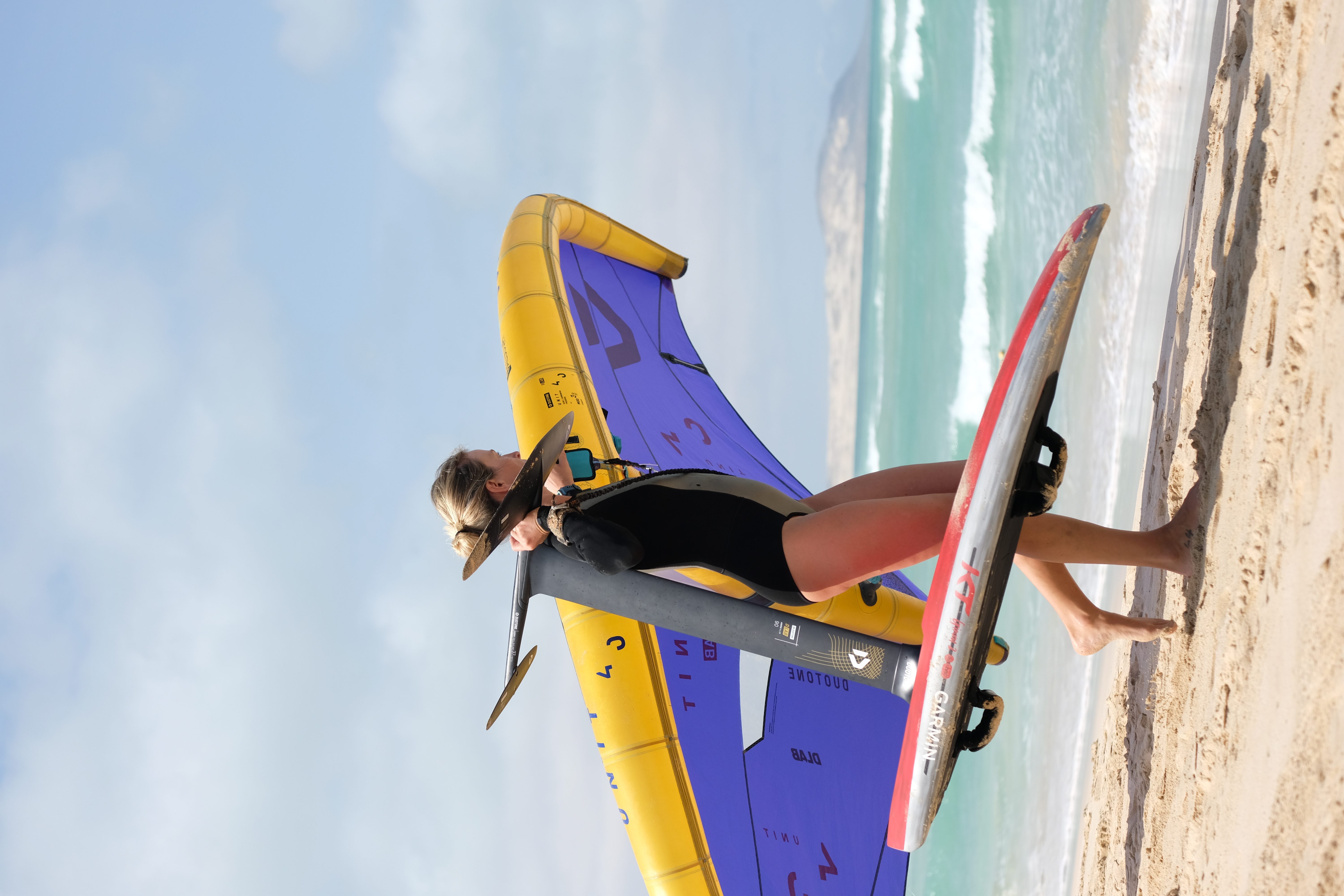
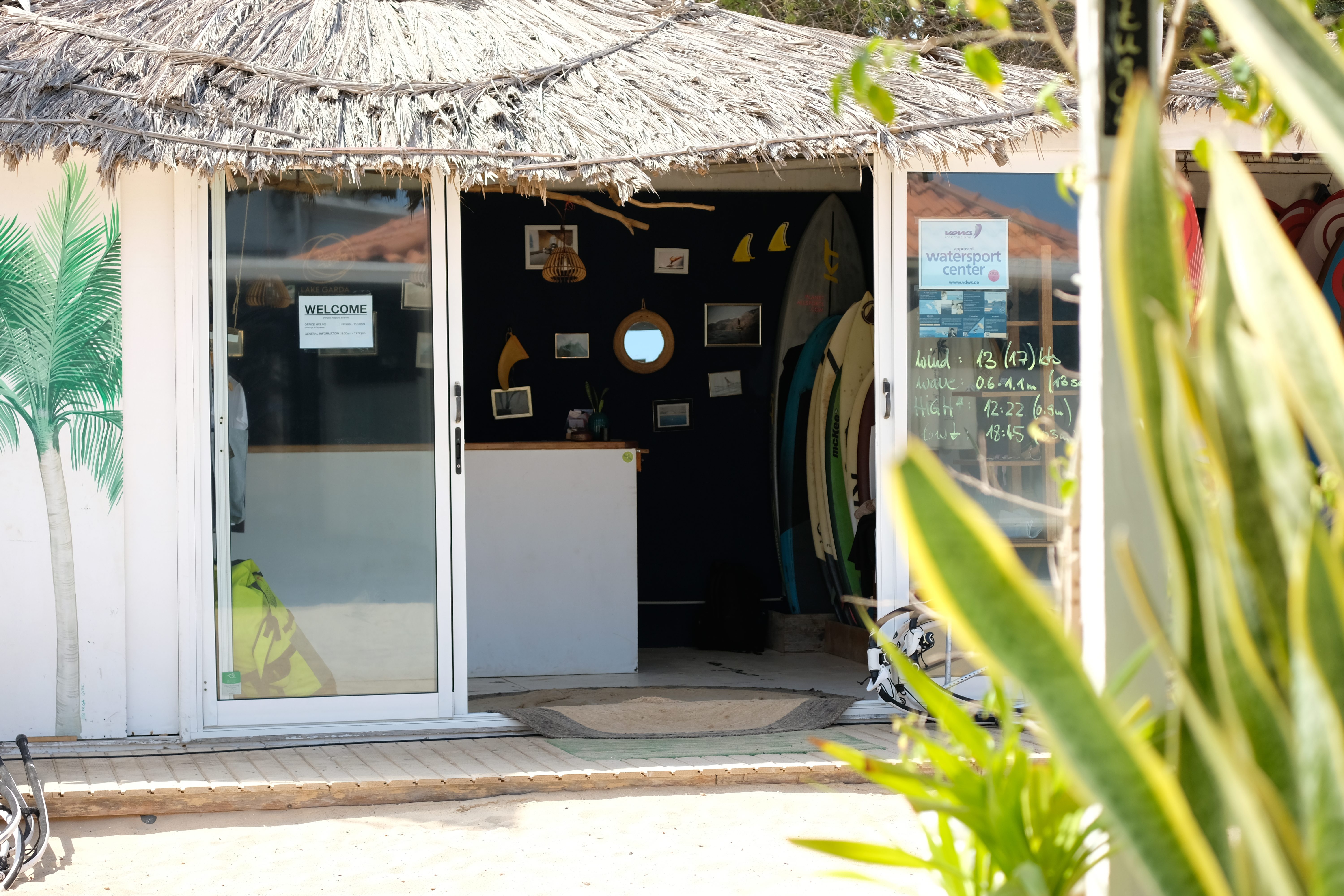
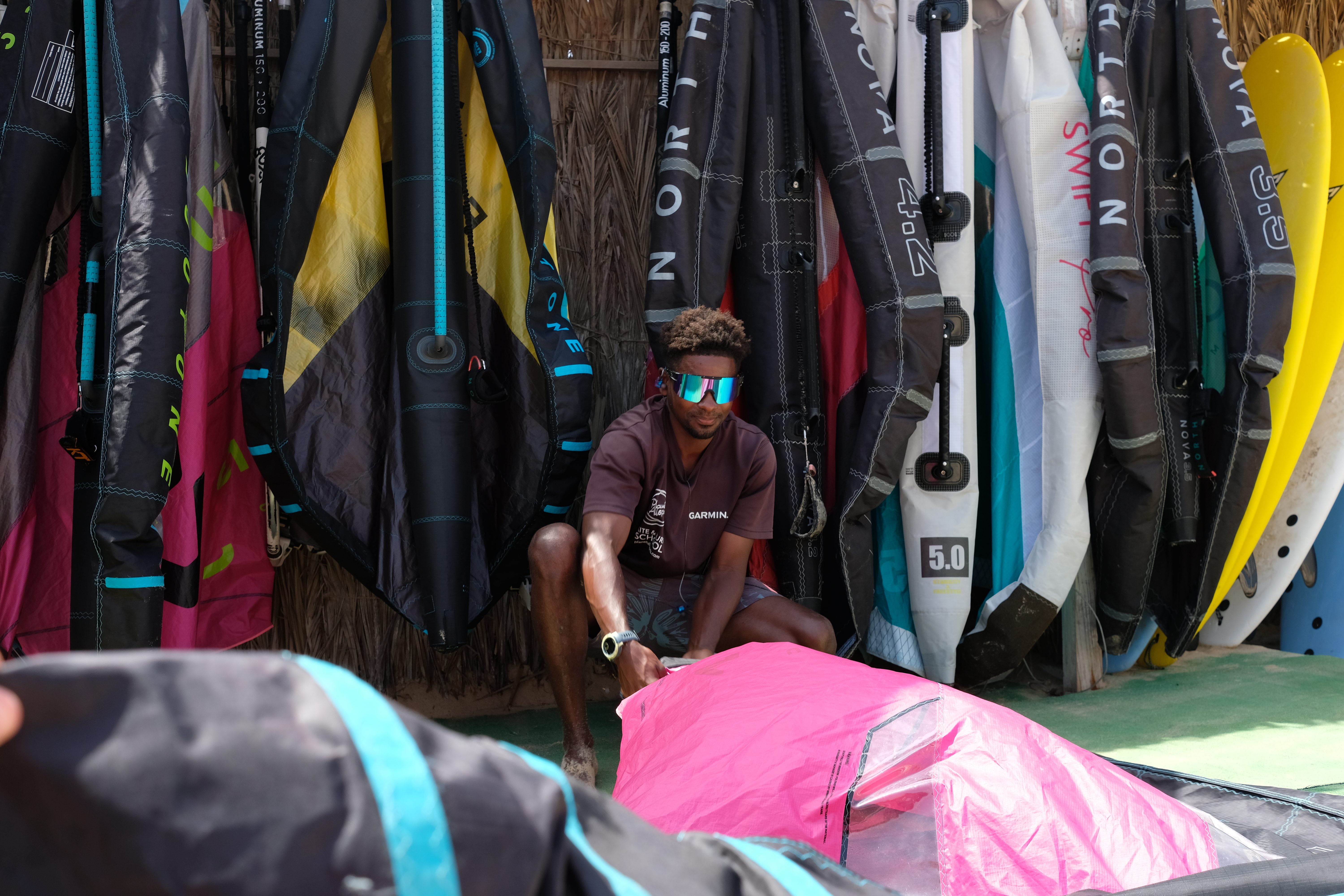
For rental-heavy schools & stations
Use caseTIDEFORCE runs pre-booked and walk-in rentals on one rental board
Operational effectactive and upcoming rentals, the specific item assigned to each, photo evidence out and back, and pricing that fits how guests actually rent.
Read context →
If your school is built around a fleet — boards, wetsuits, kites, foils, SUPs, harnesses, skis — the gear isn't a side line, it's the business. The boards go out and come back several times a day in peak season, half your rentals are pre-booked online and the other half are walk-ins at the desk, and the worst thing that can happen is promising the one good board to two people at once. TIDEFORCE is the Commerce & Operations Platform for Outdoor Sports Schools, and it runs rental as its own cockpit: a single rental board for active and upcoming rentals, the specific item assigned to each, and pricing that matches how people actually rent.
It's one connected system, not a rental app glued to a booking app. A rented item is the same data as the booking that pays for it, the inventory it comes from and the pricing that values it — so the desk, the rack and the till never drift apart. Rental sits in the same checkout and on the same day plan as your lessons and tours, instead of living in a separate spreadsheet.
What it does
A rental board you can read at a glance
The rental board is the cockpitIt shows your active and upcoming rentals, the specific gear assigned to each one, and the status of every itemRead moreRead less→
The rental board is the cockpit. It shows your active and upcoming rentals, the specific gear assigned to each one, and the status of every item — so the person at the desk can see what's out, what's coming back and what's free, without flipping between spreadsheets or sticky notes. It covers both the rentals booked online ahead of time and the ones taken at the desk, in one view.
Book the actual item, not just a category
Rental is linked to inventorya booking can reserve a specific itemRead moreRead less→
Rental is linked to inventory, so a booking can reserve a specific item — this board, this wetsuit size, this kite — not just "a board". The gear that goes out on a rental is tied to a real item in your catalogue, which is what keeps the rental board honest and stops you from promising the same piece of kit to two guests at once.
Photo evidence out and back
Condition disputes are where rental money quietly leaksYou can attach photo evidence to a rental, recording the state of the gear when it leaves and again when it returnsRead moreRead less→
Condition disputes are where rental money quietly leaks. You can attach photo evidence to a rental, recording the state of the gear when it leaves and again when it returns — so a dinged rail or a torn wetsuit is documented, not argued about. The photos stay attached to the rental, with the item and the guest it belongs to.
Rental pricing that fits how guests actually rent
Set rental prices for the way people rent: hourly, half-day, full-day and multi-day rates, plus packages that bundle gear togetherPricing follows your seasons and locations, and Pricing Modes let one change ripple across everything it shouldRead moreRead less→
Set rental prices for the way people rent: hourly, half-day, full-day and multi-day rates, plus packages that bundle gear together. Pricing follows your seasons and locations, and Pricing Modes (shared price tables) let one change ripple across everything it should — so you're not re-pricing every board by hand when peak season turns over.
Linked to the shop and used gear
Your shop and rental catalogue share the same inventorythe gear on the racks and the gear for sale are one connected data setRead moreRead less→
Your shop and rental catalogue share the same inventory, so the gear on the racks and the gear for sale are one connected data set. You can sell used or demo school equipment straight from the same catalogue, with its rental history attached. Material intelligence — usage hours, condition and location for each item — is available in Beta, so you can start to see which gear is worn out and which is sitting idle, rather than relying on memory.
Rentals in the same checkout and on the same board as lessons
A rental sits in the same 12-type cart as courses, lessons, tours, camps, lockers and add-onsa guest can book a beginner lesson and the board that goes with it in one transaction and one paymentRead moreRead less→
A rental sits in the same 12-type cart as courses, lessons, tours, camps, lockers and add-ons, so a guest can book a beginner lesson and the board that goes with it in one transaction and one payment. Walk-ins are no different — your team places and manages rentals at the desk for the person in front of them, and the gear shows up on the same real-time whiteboard your team plans the day with.
Read status →
The recap
Read details →
| The rental-heavy reality | How TIDEFORCE handles it |
|---|---|
| Gear going in and out all day | A rental board showing active and upcoming rentals at a glance |
| Knowing which exact item is out | Specific-item booking linked to real inventory |
| Pre-booked online and walk-ins at the desk | Both on the same rental board; staff book walk-ins on the spot |
| Condition disputes on return | Photo evidence attached to a rental, out and back |
| Hourly, daily and multi-day renters | Hourly, half-day, full-day, multi-day and package pricing |
| Re-pricing when the season turns | Seasonal pricing per activity and location with Pricing Modes |
| Selling off used and demo gear | Sold from the linked shop with rental history attached |
| Worn-out vs. idle gear | Material intelligence — usage hours, condition, location (Beta) |
| Rental booked alongside lessons | Rental in the same 12-type cart and on the same whiteboard |
| Deposits, extensions, overdue tracking | On the roadmap, not in the product today |
Pricing is a take-rate of 6.9% per processed transaction, payment fees included, with no setup or monthly fee. You can import your material yourself by CSV, or we'll do a full migration from your previous system with you. Hosting is in the EU on Google Cloud, GDPR-compliant, and your data stays yours. You can go live with your rental catalogue fast, with guided onboarding.
Frequently asked questions
01Is this the right rental software for a school where the gear is the main business?
+
Yes. TIDEFORCE treats rental as its own cockpit — a rental board for active and upcoming rentals, specific-item booking linked to inventory, photo evidence out and back, and hourly, daily, multi-day and package pricing — while keeping rental in the same checkout and day plan as your lessons, so an equipment-heavy school runs the gear and the rest of the school in one connected system.
02Can I see all my active and upcoming rentals in one place?
+
Yes. The rental board shows active and upcoming rentals, the specific gear assigned to each one and the status of every item, so the desk can see what's out, what's coming back and what's free at a glance — for both pre-booked and walk-in rentals.
03Can a booking reserve a specific board or wetsuit, not just a category?
+
Yes. Rental is linked to inventory, so a booking can reserve a specific item tied to a real piece of gear in your catalogue, which keeps the rental board accurate and prevents promising the same item to two guests at once.
04Can I handle both pre-booked rentals and walk-ins?
+
Yes. Pre-booked rentals come in through the same 12-type checkout as lessons and tours, and your team can place and manage walk-in rentals at the desk. Both land on the same rental board and the same day plan. QR check-in and passwordless guest access are rolling out, not something to rely on yet.
05Do you handle rental deposits, extensions and overdue tracking?
+
Not yet. Rental deposits, extensions and overdue tracking are on the roadmap, not in the product today. The rental board, specific-item booking, photo evidence and rental pricing models are all live now, and material intelligence is in Beta.
06What does it cost, and where is my data hosted?
+
A take-rate of 6.9% per processed transaction, payment fees included, with no setup or monthly fee. Hosting is in the EU on Google Cloud, GDPR-compliant, and your data stays yours — TIDEFORCE is not a marketplace sitting between you and your customers.
See how TIDEFORCE fits your school
In a short demo, we'll walk through your real workflows: services, booking, planning, team, guests, inventory, guidebook and shop.

We map your real school day first, then show only where TIDEFORCE actually fits.