
Direct booking gives a school a way to sell under its own brand. It still requires useful content, working payment setup and a team that can deliver what the guest buys. More website traffic alone does not fix an unclear offer.
Ask someone to find five course details on a phone
Open your main course page on a phone and ask someone who did not write the offer to try it. Do not guide them around the page. Ask them to describe what they understand and point to these answers:
- Who is it for? Which level and prerequisites does the course require?
- What is included? Which services are included, which are optional and what must guests bring?
- How long? How much tuition or activity time is included, and over what period?
- Where? Where does it take place, and is the meeting point or the process for confirming it explained?
- What price? What is the total for the selected option, and how much would be due now?
Write down the first question exactly, the relevant part of the page and the answer your school can actually provide. Help afterwards. Whether this person finds the answers is evidence from this test, not a general conversion rate.
Improve one unclear course description or price
| Before – fictional example | After – only if it matches the actual offer |
|---|---|
| “Your perfect adventure. Discover it now!” | “A two-hour introductory SUP group session for adults with no previous experience, at the named lake. Prerequisites and the meeting point appear directly below.” |
| “From €80” without a clear explanation | “Total for this selected option: €240. With a deposit, €80 is due now and €160 remains. The payment block explains when and how to pay the balance.” |
These amounts describe a fictional school offer, not TIDEFORCE fees. A “from” price can be useful for different options, but guests need to understand what it refers to. The price for the selected service must be clear before a binding order. Do not hide important limitations in a decorative image.
Your result: one recorded phone test and one specific wording change. Ask a second person to repeat the same test and note whether the earlier question is now answered. Next, follow the booking path to the final order summary and check the payment information separately.
Explain what the guest is booking before payment
State who the activity is for, what is included, the duration, location and price. Explain how the school handles changes in conditions. Keep required participant information separate from optional extras. Test whether a new visitor can find these answers without contacting the front desk.
Follow the steps from the course page to the booking summary
Follow the path from the school website to the final order summary without placing a binding order or making a real payment. Check language, dates, quantities and the final total. Confirm the payment methods supported by the school’s setup. Review confirmation and later access using an existing anonymised booking or a suitable test environment. Do not promise universal secure-link or QR access without checking that setup.
An existing website can link to or embed the supported booking experience. Website Sync supplies selected public content; it does not itself create a native checkout. Website creation and native integration have separate scopes. Discovery can also start with an AI search. Planned AI booking journeys explain how clear offers and your own checkout work together.
Explain the meeting point and preparation before arrival
Keep meeting points and preparation current in the relevant guest information or Guidebook. Agree who sends necessary updates and which event triggers any configured message. A team should not assume that every weather change automatically reaches every participant.
Use staff check-in and the daily plan to verify the correct person and group. Have a practical fallback for missing information or a guest who cannot open a link.
Repeat the same check after changing the page
Track completed direct bookings, open payments and the operational questions guests still ask. If you measure website conversion, define the included traffic and booking events. Optional Website Insights and Connected Journey require supported sources and appropriate consent; anonymous activity is not automatically a customer record.
Choose the next change from your own evidence: a clearer price, a better meeting-point explanation or one relevant extra. See website options and Website Sync and analytics for the relevant service boundaries.
Practical knowledge for every watersports school
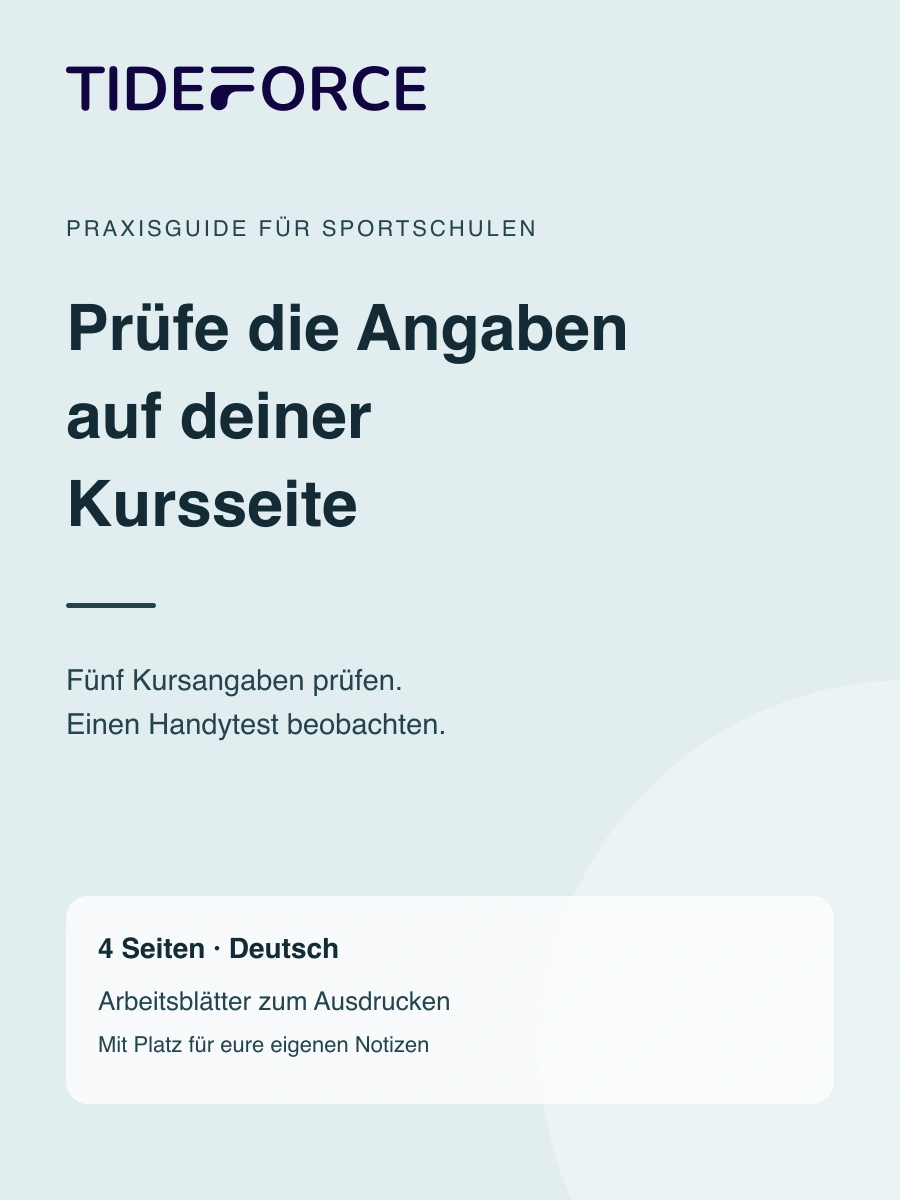
Check the information on your course page
Four printable pages in German for course details, an observed phone test and the first correction.
- Check audience, inclusions, duration, meeting point and price
- Observe the phone test and record questions
- Rewrite one unclear passage and check it again
PDF · A4 · 4 pages · German
How does this work at your school?
Bring an everyday task from your school. We’ll show you how it could work in TIDEFORCE.
Request a demo →